Audio or video becomes text and captions, with every accent right.
Stop listening to 5 minute voice notes. Read them in seconds, get a summary, and download an SRT that is ready for CapCut, Premiere and DaVinci.
Only the audio leaves your device. Your video stays with you: the audio is extracted in your browser and transcribed on our own server.
- 1Upload (in progress)
- 2Process
- 3Done
Drop an audio or video file here
MP3, WAV, M4A, OGG, OPUS, MP4, MOV, MKV, WEBM, AVI and more. Up to 3 hours of audio.
We also accept videos: only the audio is uploaded. The video stays on your device and the audio is extracted right here in the browser.
- SRT and VTT
- Accents intact
- Edit while it plays
- API and MCP
Live demo. Press play, click a word, edit a line or search.
Made for the tools you already use
- CapCut
- Premiere Pro
- DaVinci Resolve
- YouTube
- TikTok
- Reels
From a raw recording to captions you can publish
Every demo below is live: press play, click a word, edit a line. Four steps, and the longest one is choosing a file.
Drop in the recording
A video from your phone, a podcast episode, a meeting or a WhatsApp voice note. For video, your browser pulls out the audio locally, so only a few megabytes travel.
- Up to 3 hours of audio per file
- MP4, MOV, MP3, WAV, M4A, OPUS and more
- Every file lands in a searchable history
Fix a line while it plays
Click any word to jump to it in the audio. Rename the speakers, correct a name, and your timings stay aligned. Every save keeps a version you can go back to.
- Click a word to seek
- Speaker labels you can rename
- Versions and undo
Live demo. Press play, click a word, edit a line or search.
Export captions that import clean
Pick YouTube style or Reels style, then download SRT or VTT. The file is UTF-8 with the right line endings, so CapCut shows café, ação and Größe the way you said them.
- Two caption styles
- Remove filler words, mask profanity
- SRT, VTT, TXT, DOCX and PDF
Get the summary for the description
Ask for a short summary, bullet topics, meeting minutes or timestamped chapters, then copy it straight into your video description or your notes.
- Short summary, topics, minutes, chapters
- Translate to Portuguese or Spanish
- One click to copy
Captions with perfect accents for CapCut, Premiere and DaVinci
Anyone who has imported auto captions knows the problem: “ação” where it should say “ação”, “café” instead of “café”. Here the file is UTF-8 with BOM, normalized to NFC and free of invisible characters. It works for Portuguese, Spanish, French and German creators.
- Two styles: YouTube and film (2 lines of up to 42 characters) and Reels and TikTok (1 short line).
- No word is cut in half, lines are balanced and reading speed stays comfortable.
- No overlaps between captions, from 1 to 7 seconds each.
- Options to remove filler words, mask profanity and use capital letters.

1
00:00:01,200 --> 00:00:03,900
Año nuevo, café y façade:
ação, coração, Größe.

2
00:00:04,100 --> 00:00:07,000
Crème brûlée, jalapeño,
naïve, déjà vu e São Paulo.
Other generators
ação, café, Größe
TooLongToListen
ação, café, Größe
Whatever you record, captioned and summarized
Whatever you record, the job is the same: get the words out fast and get them right.
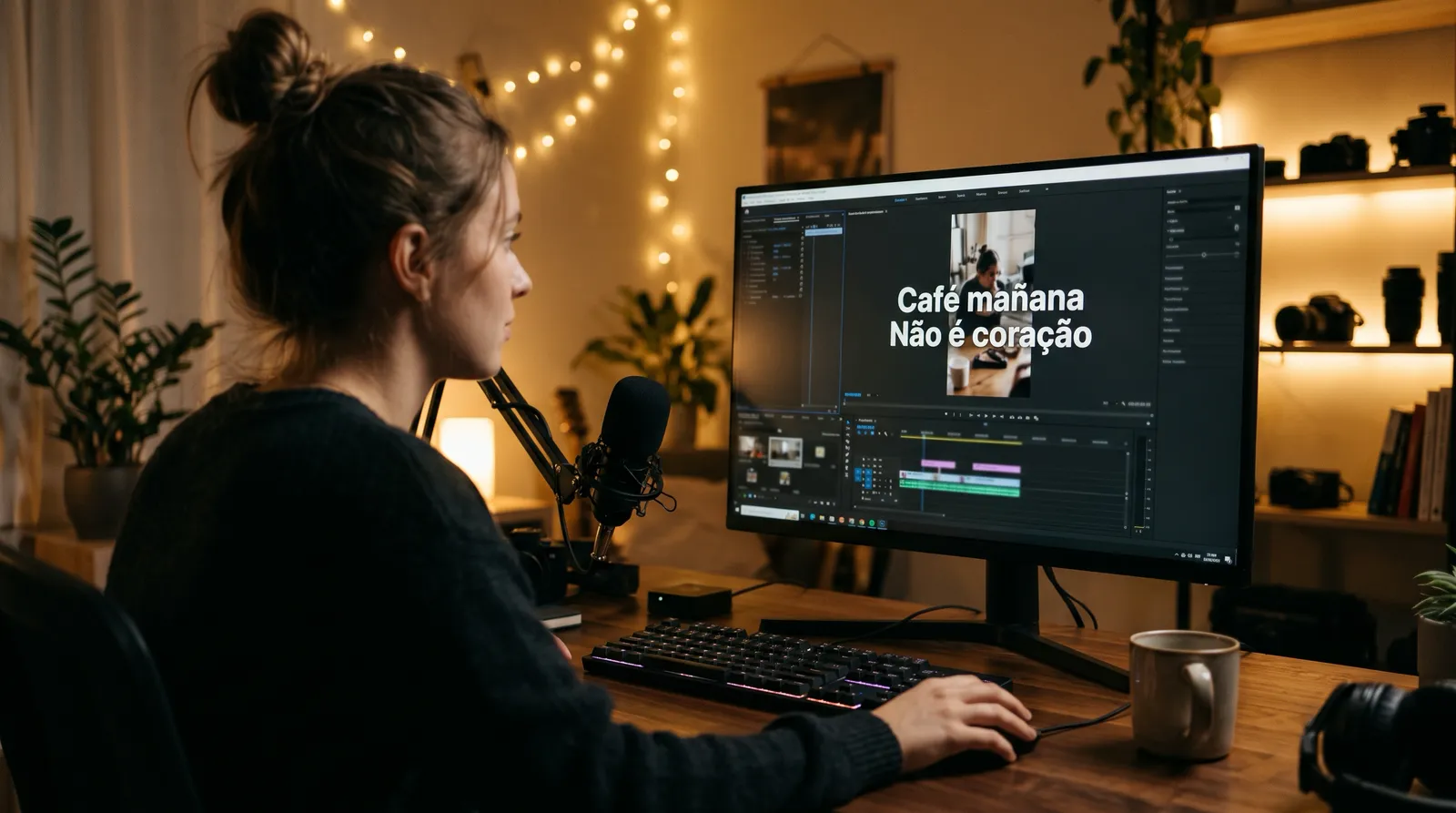
Video creators
Captions for CapCut, Premiere and DaVinci in minutes. Reels style for short vertical videos, YouTube style for long ones.
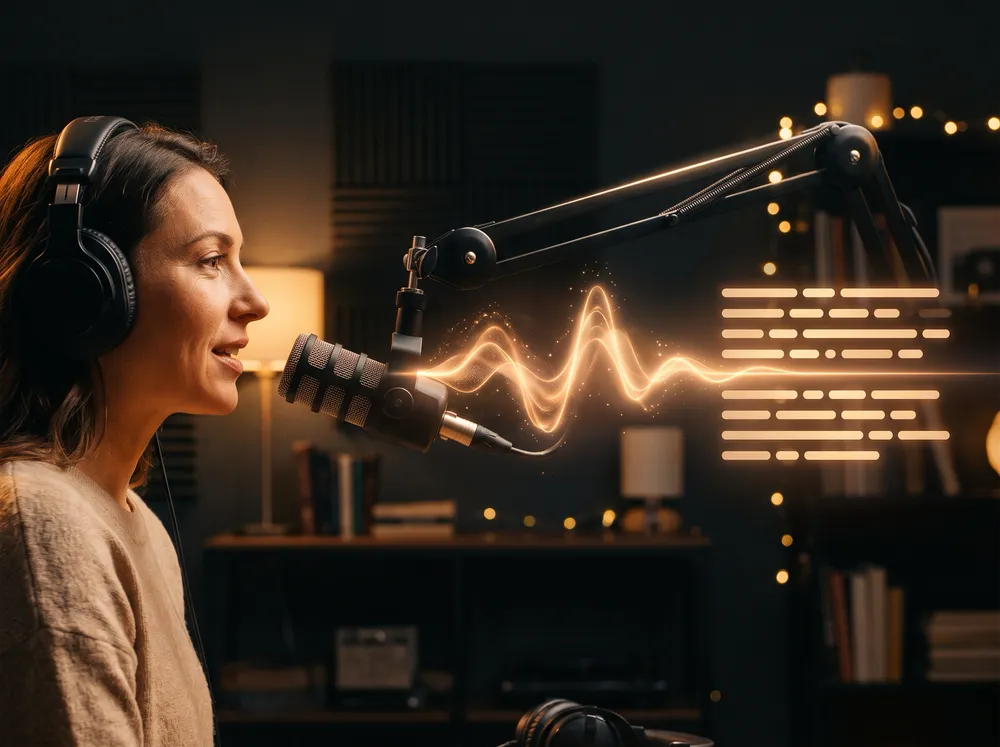
Podcasters
Turn an episode into show notes, chapters and a searchable transcript, and share a read-only link with your guest.

Meetings and voice notes
A long call becomes a short summary with decisions and next steps. WhatsApp voice notes become text you can skim.

Multilingual channels
English, Portuguese, Spanish and dozens more, with translation of your captions when you need a second language.


Inside SuperTasks
The transcription engine behind SuperTasks
SuperTasks is the task and project workspace at tasks.supertixs.com. When a team records its screen or adds a video to Documentos, TooLongToListen is what turns the speech into text, a summary and captions, right inside the workspace.
- Screen recordings are transcribed and summarized, so a walkthrough becomes something you can search and skim
- Videos in Documentos get a transcript and captions too
- Same engine you can use directly: accents, languages and caption exports behave the same way
Organizations are tracked as tenants through the same API described in the docs.
For developers
An MCP server and a public API for your own pipeline
Let an assistant or your own code do the transcribing. The REST API and the MCP server share one key, the same limits and the same minutes balance.
- MCP server
- Connect Claude Code, Cursor or any MCP client. Transcribe a URL or an upload, read the result, export SRT or VTT and ask for a summary.
- REST API and webhooks
- Create jobs, poll or receive a signed webhook, and read JSON, text, SRT or VTT. Idempotency keys and an OpenAPI 3.1 description are included.
- Custom vocabulary
- Pass the names, brands and terms of your field with each job so they come out spelled right.
- Summaries in your language
- Short summary, topics, meeting minutes or chapters, written in the output language you choose, such as en or pt-BR.
Included with the Pro and Studio plans.
curl -X POST https://toolongtolisten.com/api/v1/transcriptions \
  -H "Authorization: Bearer $TLTL_API_KEY" \
  -H "Content-Type: application/json" \
  -d '{"url":"https://example.com/call.mp3",
       "language":"auto",
"vocabulary":["SuperTasks","Kubernetes"]}'claude mcp add --transport http tltl https://toolongtolisten.com/api/mcp \
--header "Authorization: Bearer $TLTL_API_KEY"Built for people with little time and a lot of audio
- Almost any file
- WhatsApp .opus voice notes, MP3, WAV, and videos in MP4, MOV, MKV, WEBM and AVI. If the browser does not understand a format, a converter runs on your device.
- Your video stays with you
- The audio is extracted in the browser. Only the audio is uploaded, so a multi gigabyte video becomes a file of a few megabytes.
- Summaries the way you need
- A short summary, bullet topics, meeting minutes with decisions and next steps, or chapters with timestamps. Through the API and MCP you choose the language the summary is written in.
- History you can search
- Accent insensitive search, folders, tags and favorites. Download the text and captions again whenever you want.
- Real Portuguese and more
- Transcription that handles Brazilian Portuguese with punctuation, plus English, Spanish, French, German and dozens of other languages. Through the API and MCP, a custom vocabulary keeps names and brands spelled right.
- Your data, your call
- Export everything or delete your account at any time. The privacy policy explains what we keep and for how long.
Simple, transparent pricing
Start for free, upgrade when you need more. Billed per second, no hidden fees.
Free
Try it with your own audio
$0
- 10 minutes on signup
- Original audio kept for 7 days
- Transcripts kept until you delete them
Starter
For regular voice notes and short recordings
$5/month
120 min included
$2.50 per hour
- 120 minutes per month, billed per second
- Original audio kept for 30 days
- Exports: TXT, SRT, VTT, DOCX, PDF
- Cancel anytime
Pro
For people who live in audio
$15/month
900 min included
$1.00 per hour · Save 60% per hour vs Starter
- 15 hours per month, billed per second (fair use)
- Priority queue: your files go first
- AI summaries, meeting minutes and chapters
- Original audio kept for 30 days
- API and MCP access: keys, REST endpoints, MCP server and signed webhooks
- Share links and a synced transcript editor
Need more? Studio gives 60 hours for $39 a month, $0.65 per hour.
Studio
For creators, podcasters and small teams
$39/month
3,600 min included
$0.65 per hour · Save 74% per hour vs Starter
- 60 hours per month, billed per second (fair use)
- Highest queue priority
- Everything in Pro, including API and MCP access
- Batch uploads of long recordings
- Priority support
Frequently asked questions
Is my video uploaded anywhere?
No. Your browser extracts the audio on your device and uploads only the audio. The video stays with you. The audio is uploaded and transcribed on our own server.
Which formats work?
MP3, WAV, M4A, OGG, OPUS, MP4, MOV, MKV, WEBM, AVI and most others. The limit is 3 hours of audio per file.
Why are the accents right in the SRT?
The file is written as UTF-8 with BOM and Windows line endings, which is what CapCut and other editors expect. If your editor prefers no BOM, there is an option under Advanced.
How much does it cost?
You get 10 free minutes when you create an account, no card. After that you pick a monthly plan or keep going with the minutes you have.
Can I fix mistakes before I export?
Yes. The editor lets you click a word to jump to it in the audio and correct any line. Timings stay aligned, and every save keeps a version.
Which languages are supported?
English, Portuguese and Spanish are the focus, with dozens of other languages through automatic detection. You can also pick the language yourself before you upload.
Is there an API or an MCP server?
Yes. A REST API and an MCP server share one key, the same limits and the same minutes balance, and both come with the Pro and Studio plans. The docs cover authentication, webhooks, the OpenAPI description and how to connect an assistant.
Can I teach it names and technical terms?
Yes, through the API and MCP. Send a vocabulary list with the job, with people, brands and product names, and the speech model uses it as context so those words are spelled right. A short list works best.
What is the SuperTasks integration?
SuperTasks (tasks.supertixs.com) uses TooLongToListen as its transcription engine. Screen recordings and the videos in Documentos are transcribed, summarized and captioned there, without a separate account or tool.
Your next video is already recorded. Caption it in minutes.
Start with 5 free minutes. No card, and no signup for the 60 second try-it box.
Upload a fileYour video never leaves your device. Only the audio is sent.